DMX engine
44 Hz, locked
One frame every 22.7 ms on a dedicated thread, whatever the screen is doing.
0.100 ms
p99 jitter at 44.015 Hz
Measured on the target machine.
v2.56.0 · Windows 10 / 11 x64
A lighting console, a projection mapper and a media server. One engine, one desk.
This stage is not an animation. It replays 75 seconds of real DMX from Academy Lesson 9, sent over sACN at 44 Hz with 0 packets lost, and your browser draws it. Tap a head to read its channels.
Loading the recorded DMX…
01Engine
DMX engine
One frame every 22.7 ms on a dedicated thread, whatever the screen is doing.
0.100 ms
p99 jitter at 44.015 Hz
Measured on the target machine.
Threaded transport
The engine hands each frame to a triple buffer, and a send thread puts it on the wire. A slow link skips a frame. It never delays one.
0 lost
15,416 sACN packets at 44.00 Hz
Captured off the network during an Academy recording.
3D visualiser
Its own thread, device and swap chain, drawing beams from the DMX the console sends.
60.0 fps
0 repeated refreshes
Read from the GPU's own frame statistics.
Zero allocation
The engine loop allocates nothing, so the collector never stops a cue mid-fade. Tested on every build.
0 B
allocated per engine frame
Measured on every build.
02The console's stage renderer
A six-minute film: a show scripted from the track's kicks and breakdowns, drawn one frame at a time by the console's stage renderer and fixture profiles, at a quality our two-core test machine cannot hold live. It is a render, not a recording of a live session. Play it with sound.
03Control surfaces
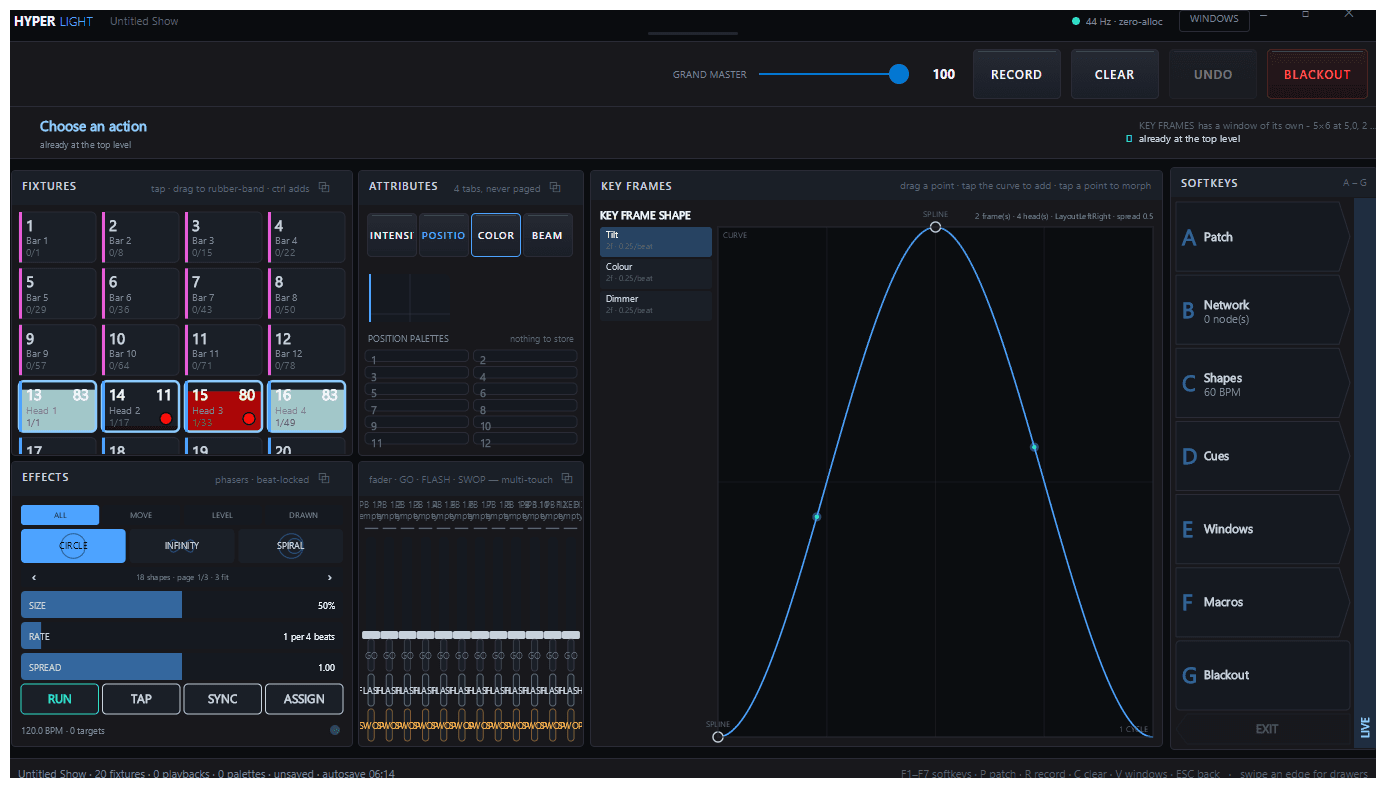
Shapes, key-frame curves and a random wave, locked to the tempo and reaching every colour system on the rig.
Measured on the target machine.
04Control & projection
HYPER-MAPPER
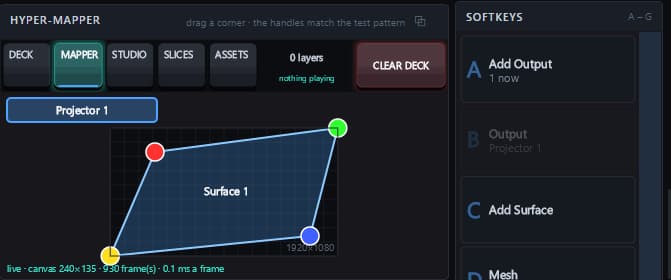
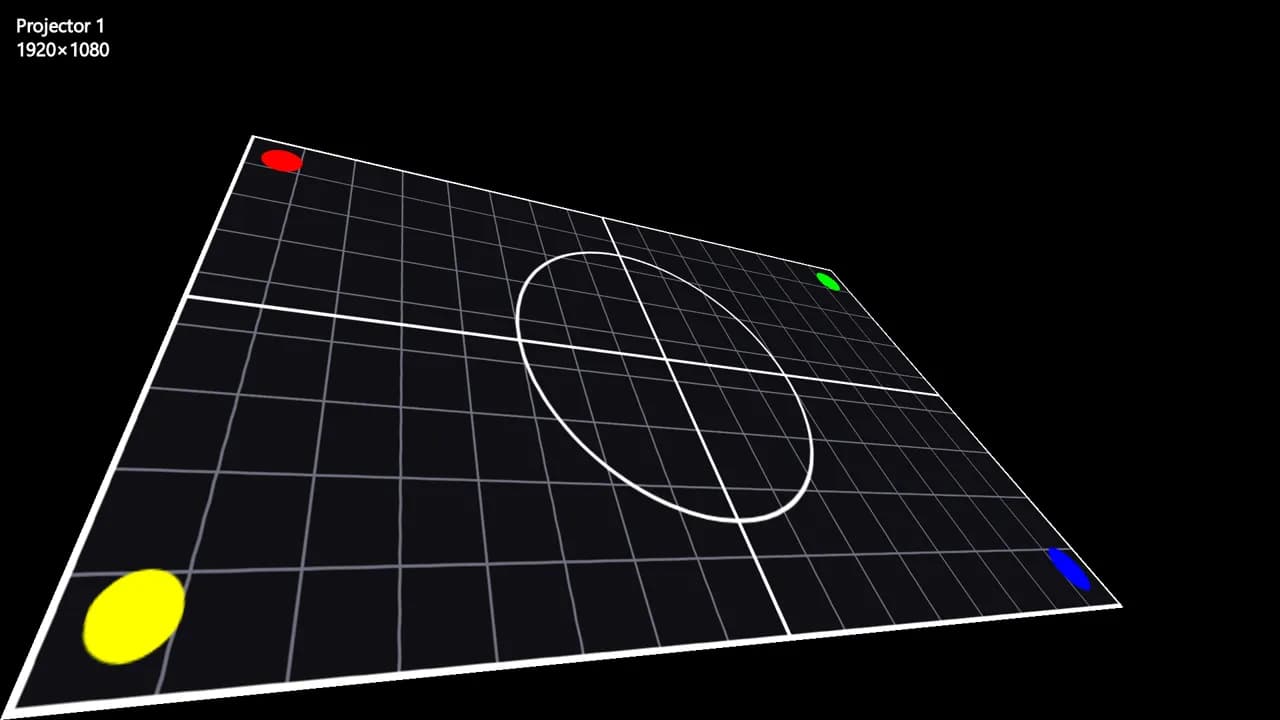
Pull a surface corner by corner or bend it with a mesh. Nudge each output a pixel at a time. Mask any layer of the media deck with a preset or a shape you draw, and send each output to the display you name.
60.0 fps
two GPU outputs, three HAP layers, one masked
Measured on the console's own outputs.
DMX engine
Sixteen universes under a 200-fixture stress show, read off the network minute by minute.
0 lost
frames in a 6-minute run, 44.0 Hz on all 16 universes every minute
Read off the network.
Audio engine
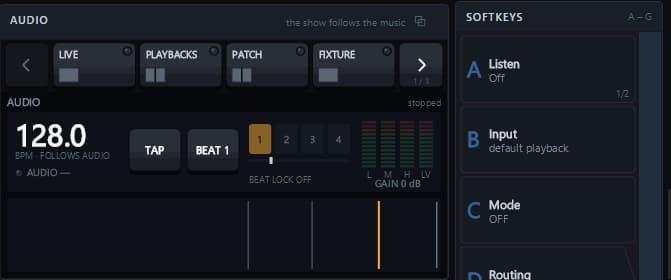
The console listens to what is playing and follows its tempo. Chases and effects lock to the beat, with TAP and BEAT 1 when you want to lead. Bass, mid and high drive strobe, effect size and effect speed.
3 bands
bass, mid and high driving strobe, FX size and FX speed
Read back from the network.
MIDI & keys
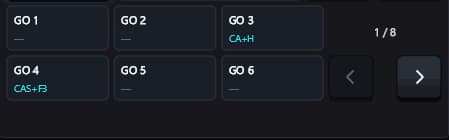
Learn any key or MIDI control onto a console action in two presses. A conflict is always asked about: overwrite, swap or cancel. The softkeys follow every view, and feedback lights your controller's pads.
0 dropped
of 3,331 commands from MIDI, OSC and the screen on one fader
Counted in a full operator session.
OSC
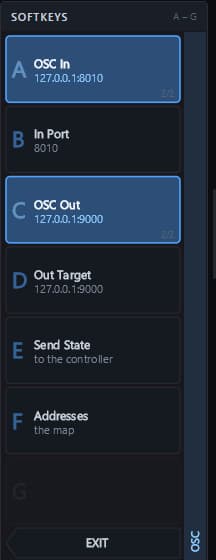
Show control software on the console's machine fires lists, moves faders and blacks out over OSC. Every change goes back out to your controller on the network, so it stays in step. Set it all up on the OSC page. No file to edit.
19.5 ms
from an OSC message to BLACKOUT on the wire
Measured on the network.
05Start
Every installation starts with a full evaluation: all universes, show saving and every studio. Sign in, download the console for Windows, and activate it with the machine code it shows when you are ready.
Licences verify on the machine. A console in a rack with no network runs exactly as it does in the studio.
BLACKOUT and F12 reach the console from every window. No licence check ever cuts running output.
Every figure on this page comes from a recorded run. 5,328 automated tests guard them.